List.RemoveNulls Function in Power Query
The List.RemoveNulls function returns a list after removing all null values from a list. Also, the null values are defined without double quotes.
Syntax
List.RemoveNulls(list as list) as list
Parameters
- list: The target list you want to process. This list can contain any data type (Text, Number, Date, etc.).
Null vs. Blank vs. Zero
It is critical to distinguish between these three states in Power Query:
• null: Represents the total absence of a value (literally nothing). List.RemoveNullsONLY targets this state.
• "" (Blank/Empty String): A text string with zero length. This is not removed by this function.
• 0 (Zero): A numeric value. This is also not removed.
Example: We have some null values in the list.
Power Query M
let
  source = {"India", "America", "Canada", "Canada", null, "Australia", "England", "America", null}
in
  source
The output of the above is shown below:
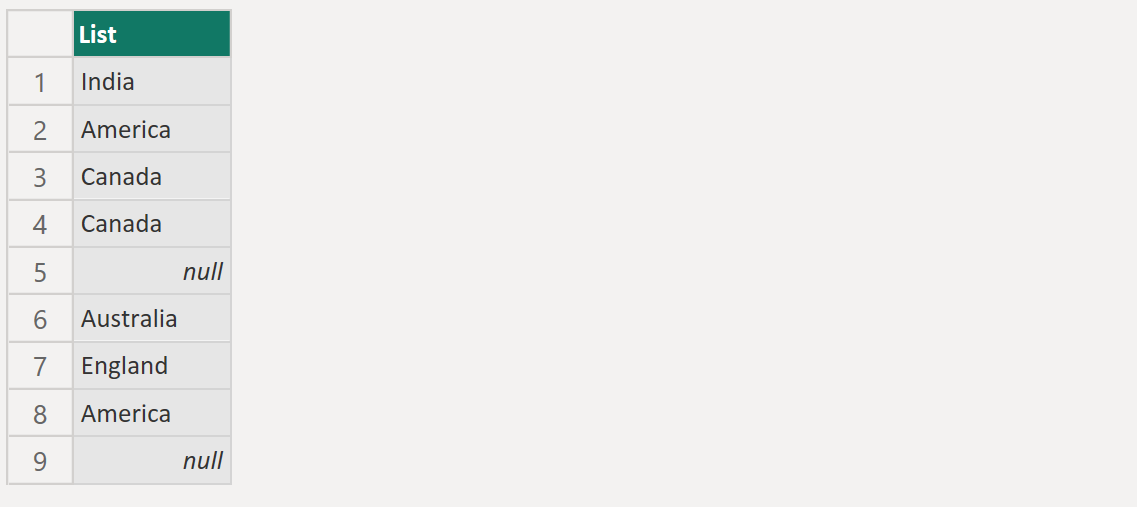
To remove the "null" values from the given list, we can use the List.RemoveNulls function.
Power Query M
let
  source = {"India", "America", "Canada", "Canada", null, "Australia", "England", "America", null},
  return = List.RemoveNulls(source)
in
  return
The output of the above is shown below: