List.Repeat Function in Power Query
The List.Repeat function returns a list that results from repeating the specified number of times the given input list.
Syntax
List.Repeat(list as list, count as number) as list
Parameters
- list: The original source list you want to replicate. This can contain any data type (Text, Numbers, Records, etc.).
- count: A non-negative whole number specifying how many times to repeat the list.
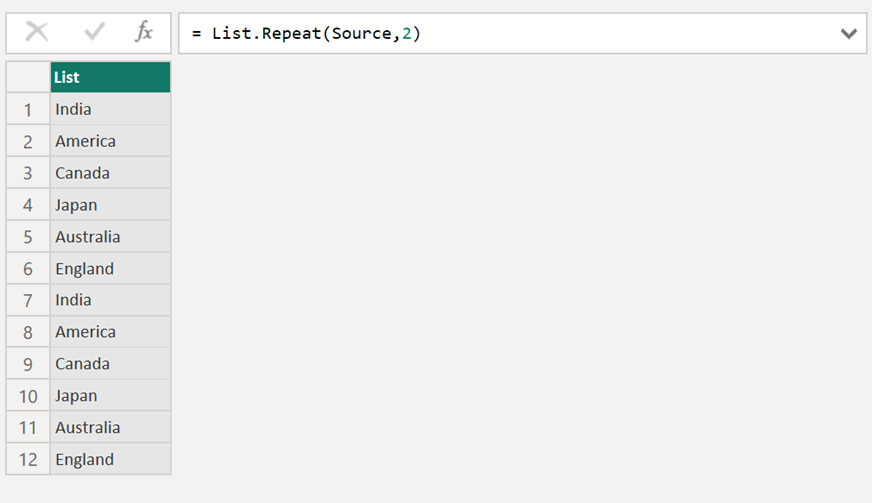
Example: Repeat the list two times.
Power Query M
let
  Source = {"India", "America", "Canada", "Japan", "Australia", "England"},
  RepeatedList = List.Repeat(Source,2)
in
  RepeatedList
The output will be shown in the following image:
Key Behaviors
- Zero Count: If the
countis 0, the function returns an empty list ({}). - Preserves Nesting: If the original list contains records or other lists,
List.Repeatreplicates the references to those objects correctly. - Performance: For very large counts, be mindful of memory usage, as the resulting list can grow significantly.