st.chat_input() in Streamlit
In Streamlit, chat_input is a specialized input widget used to build chat-style applications such as AI assistants, support bots, or conversational dashboards. It provides a fixed input box at the bottom of the app, similar to ChatGPT or WhatsApp.
What is st.chat_input()?
The st.chat_input() creates a chat message input field where users can type a message and submit it.
It is designed to work with:
- st.chat_message() → display messages
- st.session_state → store conversation history
Basic Syntax
st.chat_input(placeholder="Your message", key=None, max_chars=None)
The function has the following parameters:
- placeholder: Text shown inside input box
- key: Unique widget key
- max_chars: Limit characters, if it is None there is no maximum
- disabled: Whether the chat input should be disabled. Default is False
- on_submit: Optional callback function invoked when the input is submitted
Example: Create a basic chat input.
Python
# Importing the Streamlit library
import streamlit as st

# Title
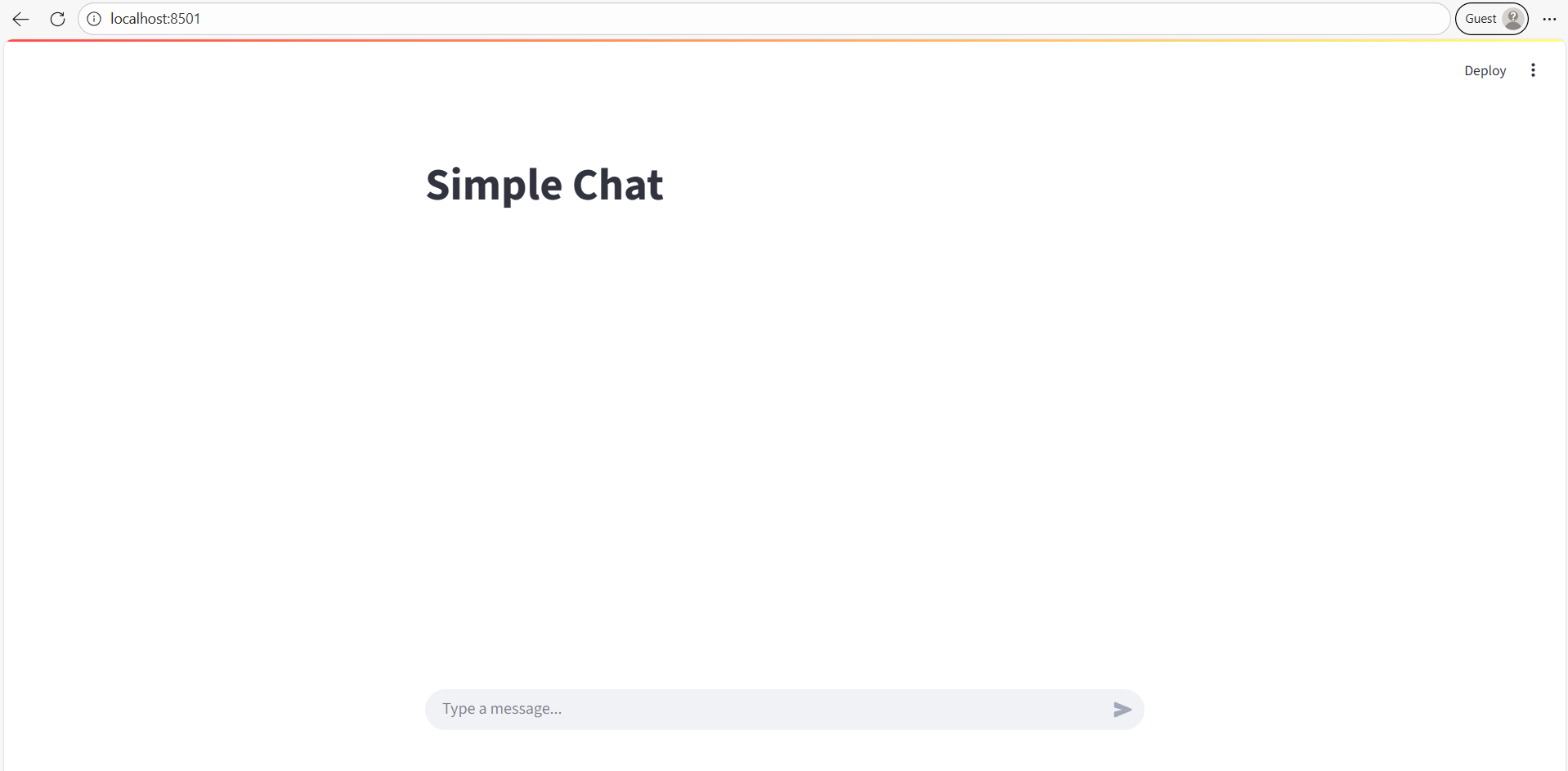
st.title("Simple Chat")

# Chat input box
user_input = st.chat_input("Type a message...")

# Display message
if user_input:
    st.write("You said:", user_input)
✔ What happens:
- Input appears at the bottom.
- User types message.
- Message prints on screen.
The output of the above code is shown below: