st.code() in Streamlit
In Streamlit, the code display method is used to show source code directly inside your app UI. It is useful for displaying examples, debugging output, or sharing reusable code snippets with users.
Syntax
st.code(body, language="python", *, line_numbers=False, wrap_lines=False, height="content", width="stretch")
Parameters
- body → Code string to display.
- language → Enables syntax highlighting.
- line_numbers → Show line numbers (True/False).
- wrap_lines → Wrap long lines inside the display area.
- height → Controls the height of the code block.
- width → Controls the width of the code block.
Example:
Python
import streamlit as st

code = """
def add(a, b):
    return a + b
"""

# Display formatted code block
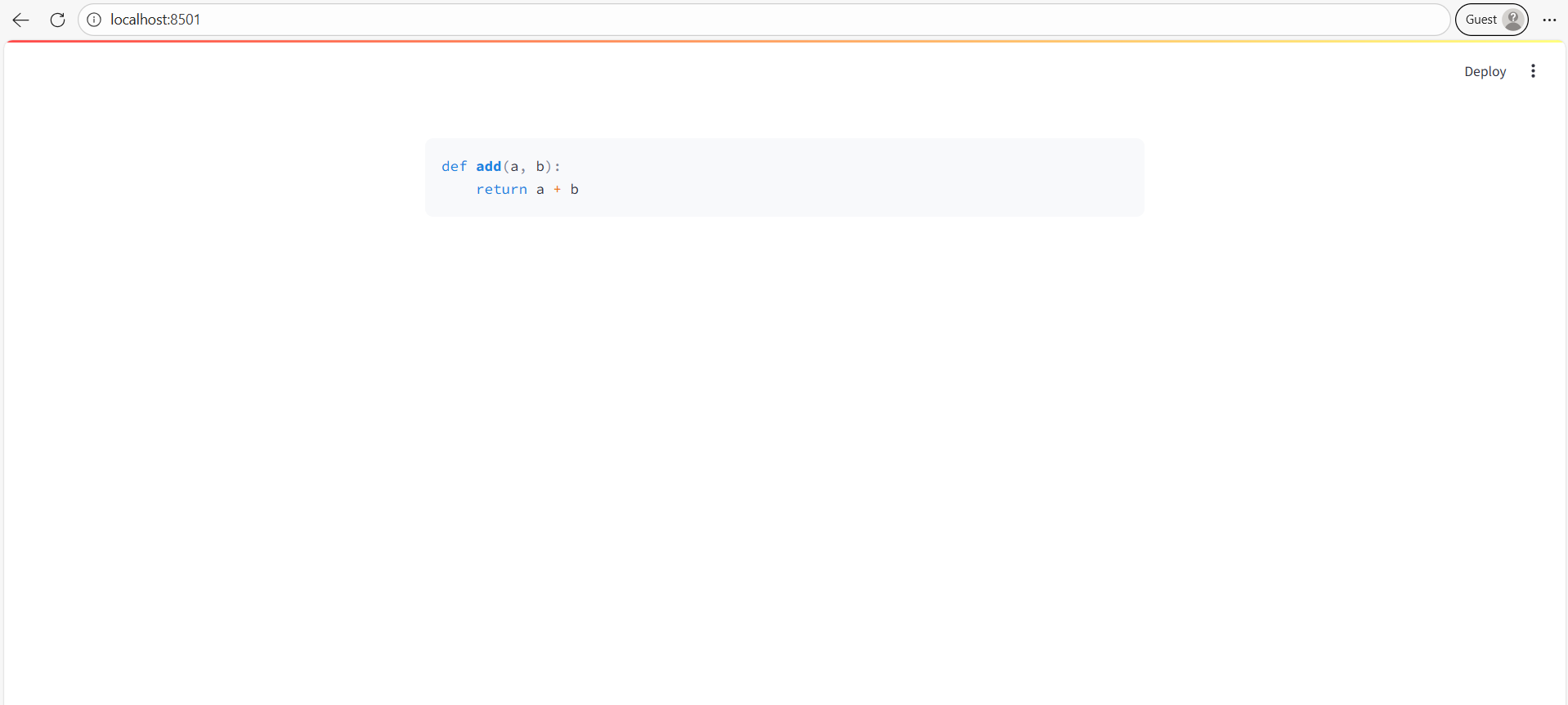
st.code(code, language="python")
The output of the above code is shown below: