st.expander() in Streamlit
The st.expander() method in Streamlit creates a collapsible container that hides or reveals content when the user clicks it.
It is useful for keeping your UI clean while still providing extra details, advanced settings, or debug information.
Basic Syntax
import streamlit as st

st.expander(label, expanded=False)
The function has the following parameters:
- label: Title shown on the expander
- expanded: If True, the expander is open by default
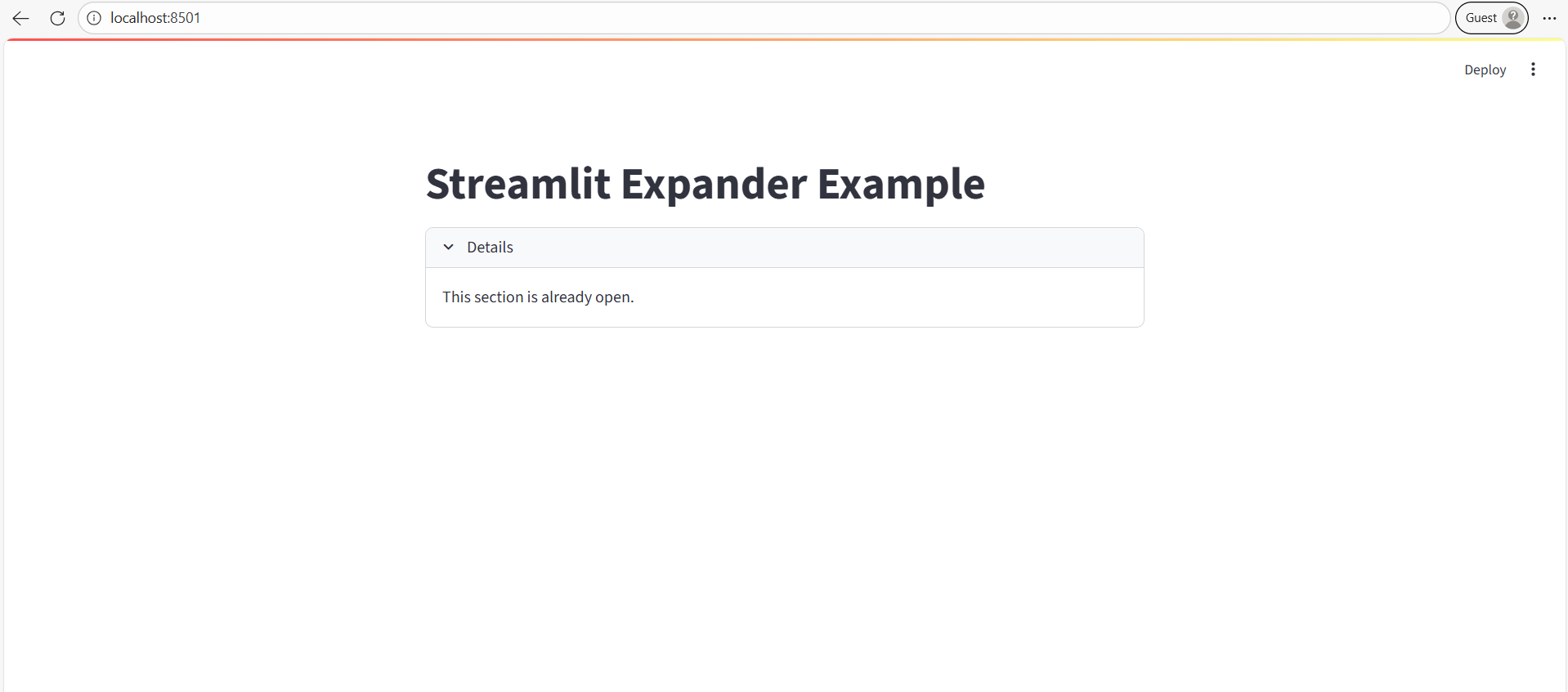
Example: Simple example.
Python
# Importing the Streamlit library
import streamlit as st

# Setting the title of the Streamlit app
st.title("Streamlit Expander Example")

with st.expander("See explanation"):
    st.write("This text is hidden until you expand.")
✔ What happens:
- User sees See explanation.
- Clicking expands the hidden content.
Example: Expander Open by Default
Python
# Importing the Streamlit library
import streamlit as st

# Setting the title of the Streamlit app
st.title("Streamlit Expander Example")

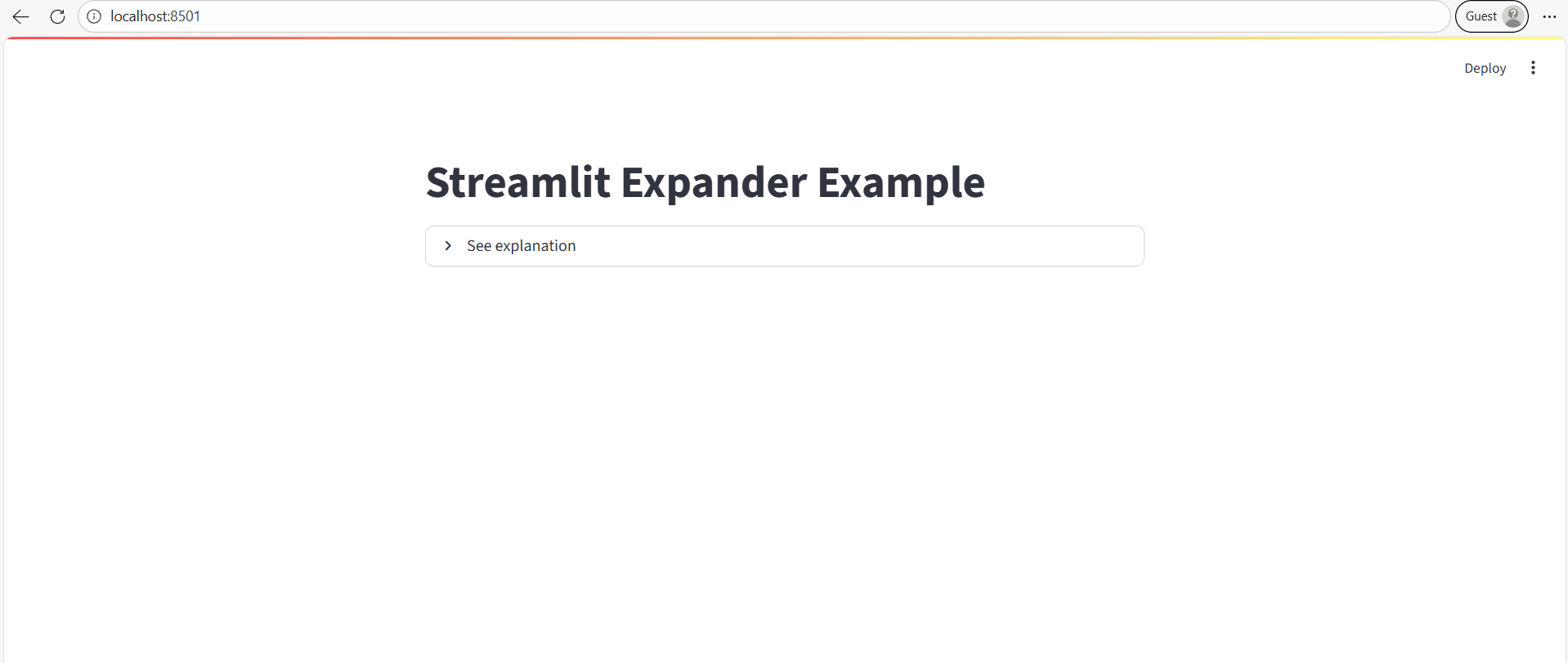
with st.expander("Details", expanded=True):
    st.write("This section is already open.")
The output of the above code is shown below: