st.multiselect in Streamlit
The st.multiselect widget in Streamlit allows users to select multiple items from a list of options.
- It returns a Python list of selected items.
- You can provide default selections.
- You can display a help tooltip for guidance.
Syntax
st.multiselect(
    label,          # Label displayed above the multiselect box
    options,        # List of items to choose from
    default=None,   # Optional default selected items
    help=None       # Optional help tooltip
)
Example: Basic Multiselect
Python
# Importing the Streamlit library
import streamlit as st

# List of options
fruits = ["Apple", "Banana", "Cherry", "Date", "Grapes"]

# Multiselect widget
selected_fruits = st.multiselect(
    "Select your favorite fruits:",
    options=fruits
)

# Display selected fruits
st.write("You selected:", selected_fruits)
Explanation
- Users can pick one or more fruits.
- The selected fruits are stored in the selected_fruits list.
- st.write() displays the selected values.
The output of the above code is shown below:
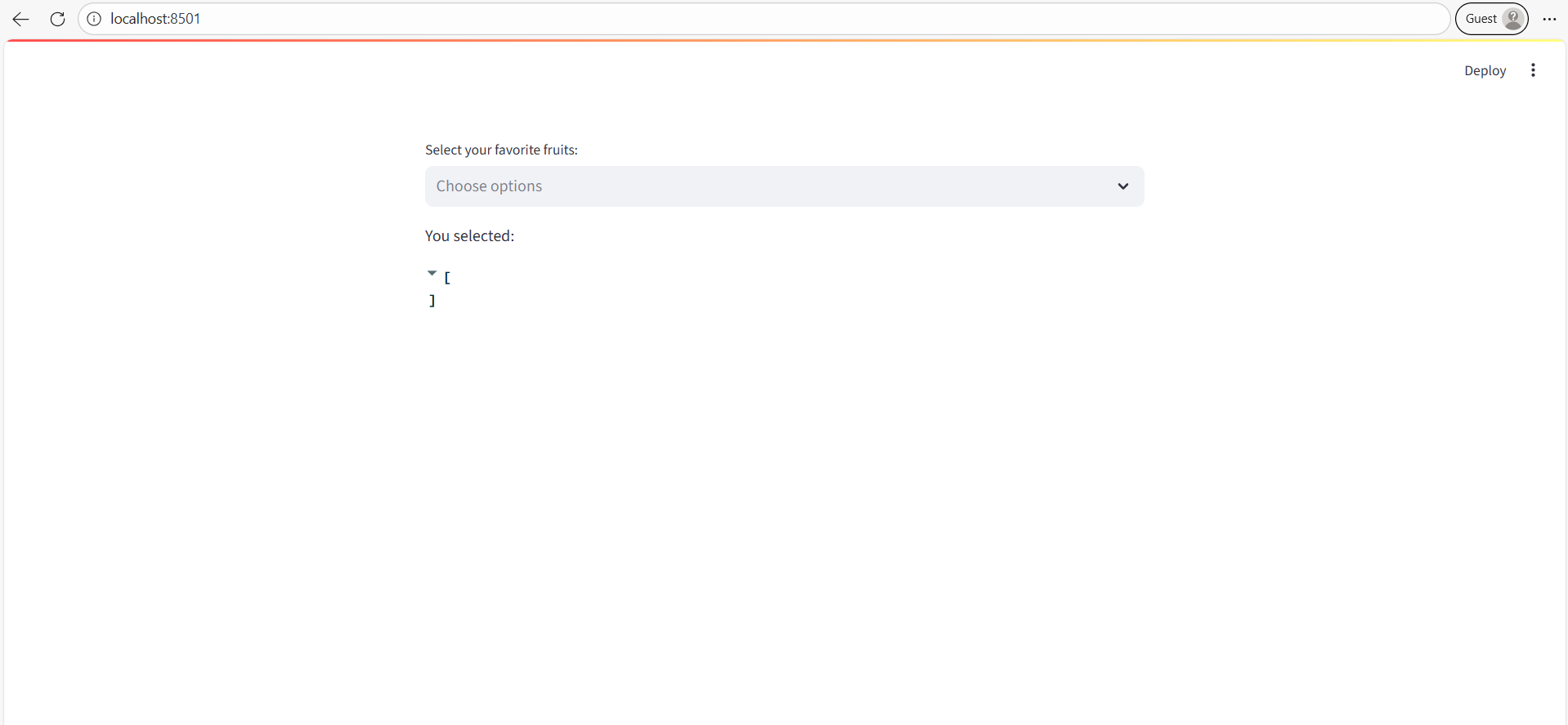
Example: With Default Selection and Help
Python
import streamlit as st

colors = ["Red", "Blue", "Green", "Yellow", "Purple"]

selected_colors = st.multiselect(
    label="Pick your favorite colors:",
    options=colors,
    default=["Red", "Blue"],  # Default selected items
    help="You can select multiple colors"
)

st.write("Selected colors:", selected_colors)
Explanation
- Default selections appear automatically.
- The help text shows a tooltip when the user hovers over the label.
Key Points
- Always returns a list (empty list if nothing is selected).
- Can be used in combination with other Streamlit widgets.
- Useful for filtering data, such as DataFrames.
Example: Multiselect for Filtering a DataFrame
Python
import streamlit as st
import pandas as pd

# Sample DataFrame
data = {
    "Store": ["A", "B", "C", "D"],
    "Sales": [100, 150, 200, 130]
}
df = pd.DataFrame(data)

# Multiselect widget for filtering stores
selected_stores = st.multiselect(
    "Select Stores to View:",
    options=df["Store"].tolist()
)

# Filter DataFrame based on selection
filtered_df = df[df["Store"].isin(selected_stores)]

st.write(filtered_df)
Explanation
- Users can select specific stores.
- Only the rows for selected stores are displayed.