st.radio() method in Streamlit
The radio() method creates a radio button group that lets the user select one option from multiple choices. It is similar to a selectbox, but all options are visible at once.
Use it when
- You want users to pick one choice from a few clearly visible options.
- You want a clean and fast way to control logic or display.
Syntax
st.radio(label, options, index=0, format_func=str, key=None,
         help=None, on_change=None, args=None, kwargs=None,
         horizontal=False)
Parameters
- label: Text shown above the radio buttons.
- options: List, tuple, or pandas Series of choices.
- index: Default selected option (by index).
- format_func: Function to format how options are displayed.
- key: Unique identifier for the widget.
- help: Tooltip text.
- on_change: Function to call when selection changes.
- horizontal: If TRUE, displays buttons in a single line.
Example: Basic Radio Button
Python
# Importing the Streamlit library
import streamlit as st

# Create a radio button
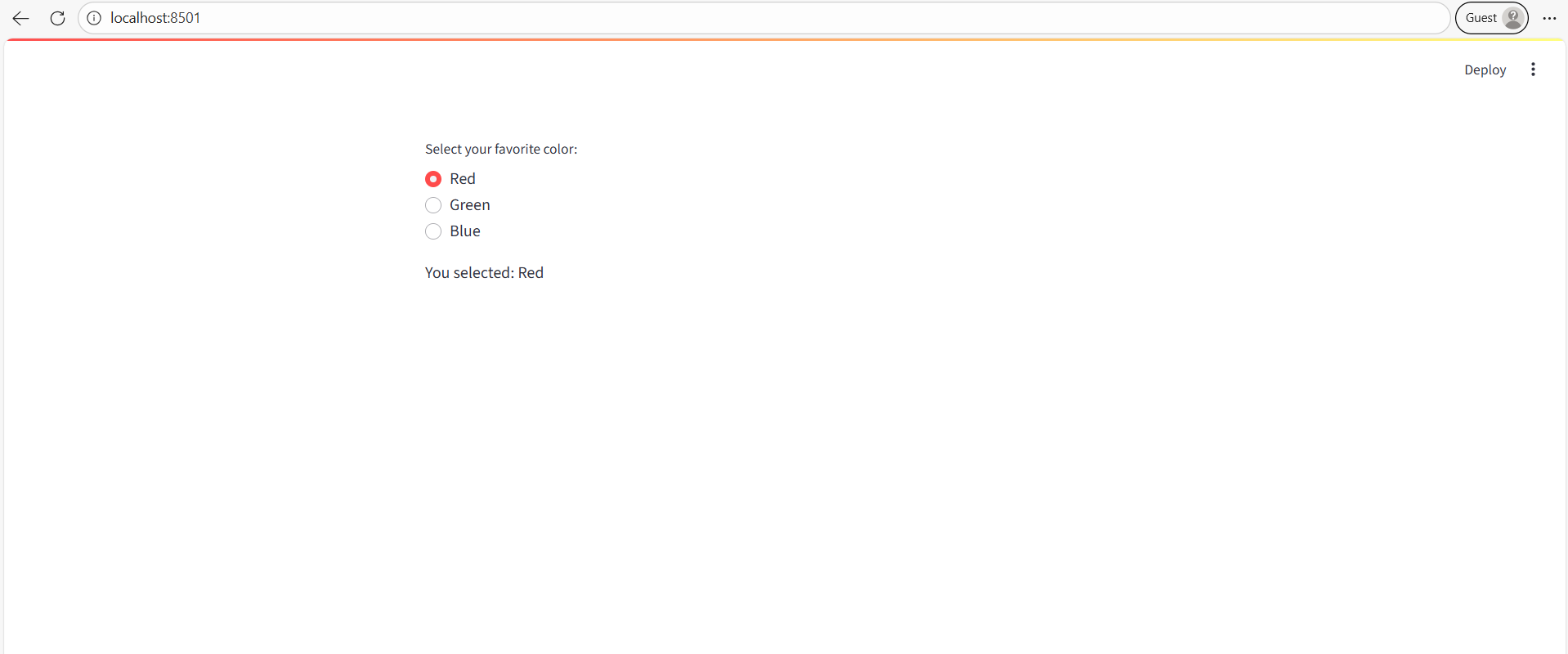
choice = st.radio("Select your favorite color:", ["Red", "Green", "Blue"])

st.write("You selected:", choice)
Output:
- Displays 3 radio buttons (Red, Green, Blue).
- Only one option can be selected at a time.
Example: Default Selection using index
Python
import streamlit as st

language = st.radio(
    "Choose programming language:",
    ["Python", "Java", "C++"],
    index=0  # Default is "Python"
)

st.write("Your selected language:", language)
Explanation
- The index parameter defines which option is selected by default.
Example: Filtering Data with Radio Buttons
Python
import streamlit as st
import pandas as pd

# Sample DataFrame
df = pd.DataFrame({
    "City": ["Delhi", "Mumbai", "Kolkata", "Delhi", "Kolkata"],
    "Sales": [100, 200, 150, 120, 170]
})

# Choose filter option
selected_city = st.radio("Select city to view sales:", df["City"].unique())

# Filter based on selection
filtered_df = df[df["City"] == selected_city]

st.dataframe(filtered_df)
Use Case:
- Radio buttons can be used to filter a dataset dynamically.
- They provide a simple and user-friendly selection interface.