st.columns() in Streamlit
The columns method in Streamlit is used to create multiple columns in a single row — perfect for building side-by-side layouts such as dashboards, forms, or comparison views.
It helps organize elements horizontally instead of vertically.
Syntax
st.columns(spec, *, gap="small")
The function has the following parameters:
- spec: Number of columns (e.g., st.columns(3)) or a list of relative column widths (e.g., st.columns([2, 1, 1]))
- gap: Optional. Controls spacing between columns. Options: "small" (default) or "medium"
Example: Create 3 equal columns.
Python
# Importing the Streamlit library
import streamlit as st

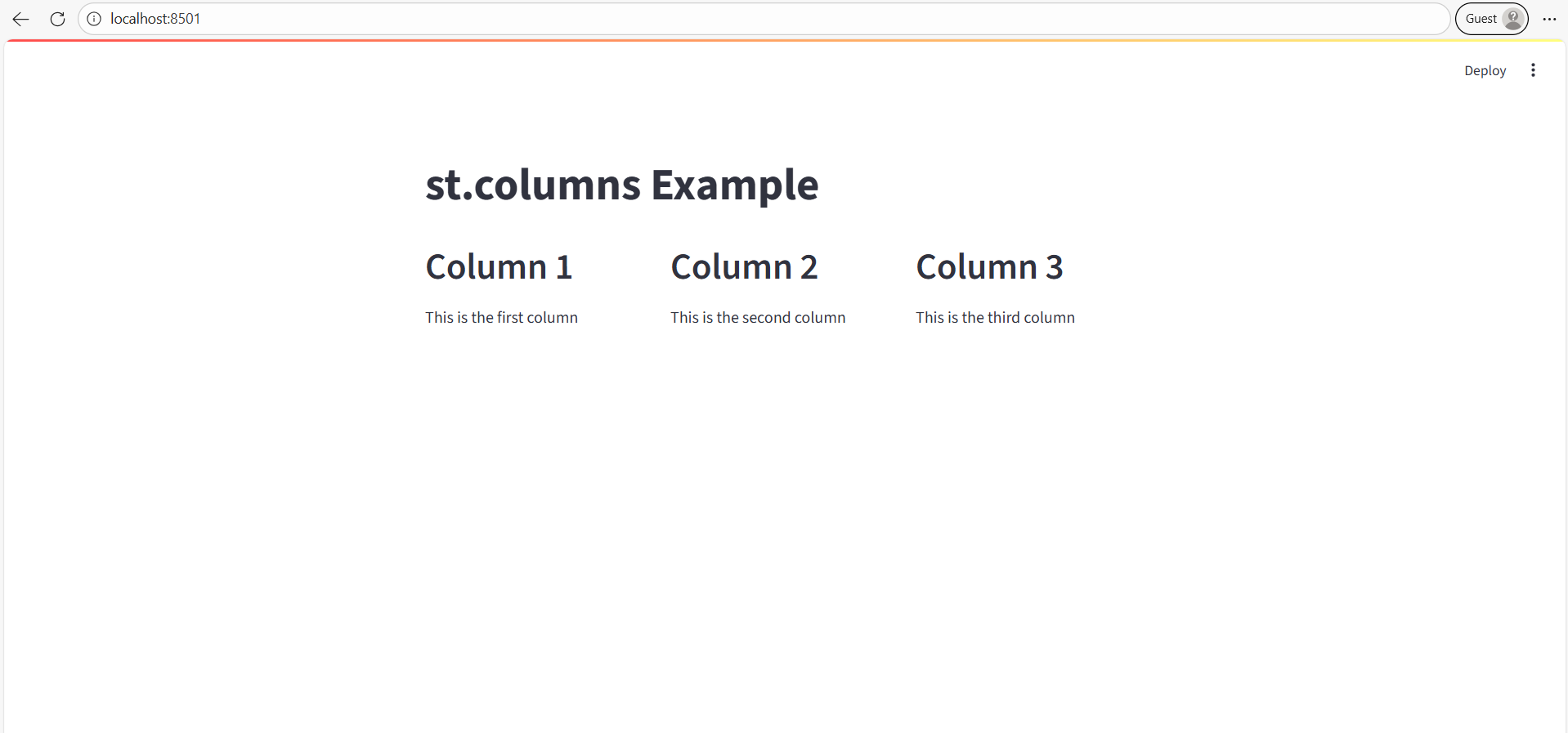
st.title("st.columns Example")

# Create 3 equal-width columns
col1, col2, col3 = st.columns(3)

# Add content to each column
col1.header("Column 1")
col1.write("This is the first column")

col2.header("Column 2")
col2.write("This is the second column")

col3.header("Column 3")
col3.write("This is the third column")
The output of the above code is shown below:
Example: Different Widths
Python
# Importing the Streamlit library
import streamlit as st

st.title("Custom Width Columns")

# Create columns with relative widths
col1, col2, col3 = st.columns([3, 1, 2])

col1.header("Column 1")
col1.write("Takes 3 parts of width")

col2.header("Column 2")
col2.write("Takes 1 part of width")

col3.header("Column 3")
col3.write("Takes 2 parts of width")
The output of the above code is shown below:
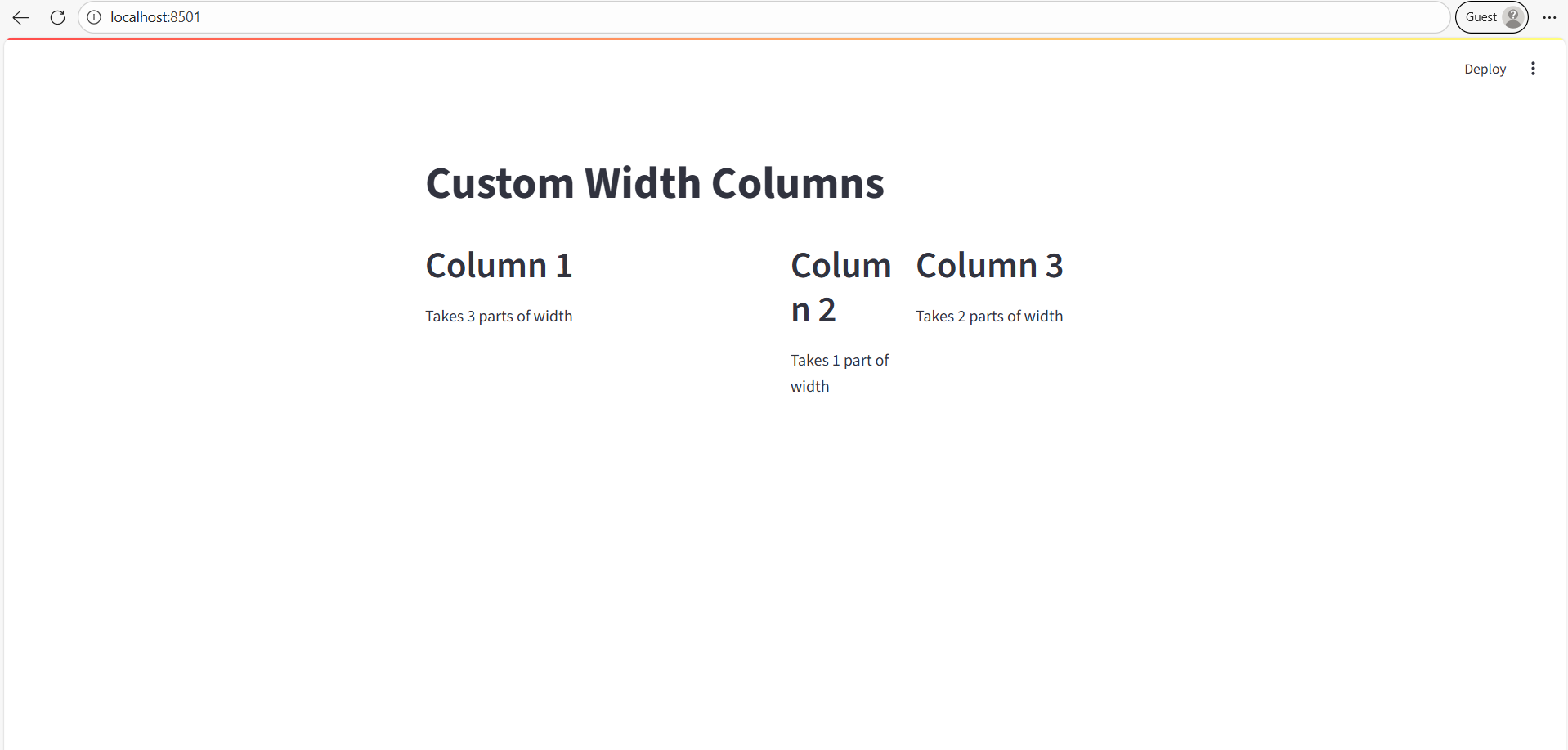
- Total width = 3 + 1 + 2 = 6 parts.
- Column 1 occupies half of the row width.