st.error() in Streamlit
The error method in Streamlit is used to display an error message box — typically shown in red color — to indicate that something went wrong (like an exception, invalid input, or system error).
Syntax
st.error(body, icon=None)
The function has the following parameters:
- body: The main message or content to display (string, Markdown, or other supported types).
- icon: (optional) Allows us to use a custom emoji or icon. Default is None.
Example: Basic Example.
Python
# Importing the Streamlit library
import streamlit as st

# Setting the title of the Streamlit app
st.title("Login Example")

username = st.text_input("Enter username:")
password = st.text_input("Enter password:", type="password")

if st.button("Login"):
    if username == "" or password == "":
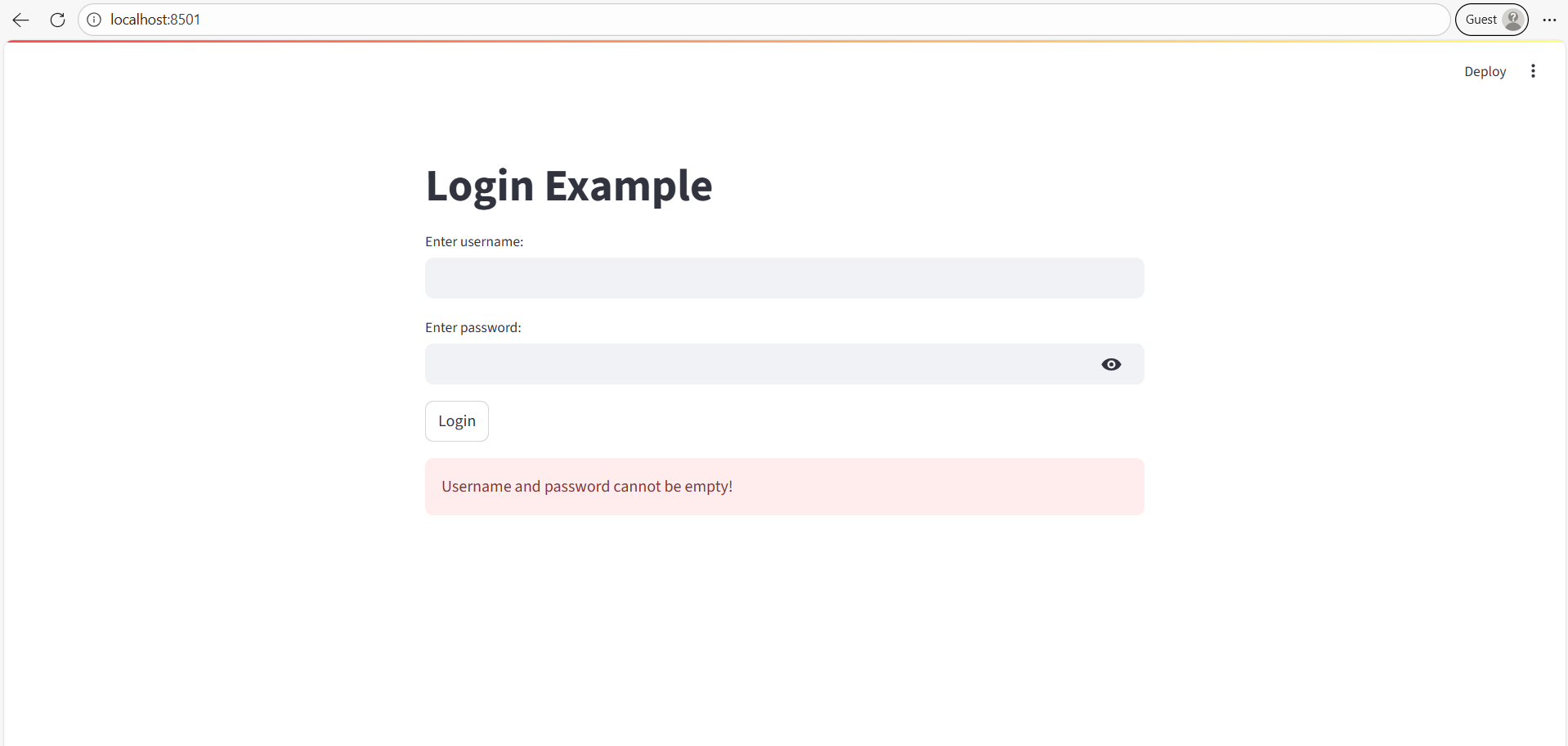
        st.error("Username and password cannot be empty!")
    elif username == "admin" and password == "1234":
        st.success("Login successful!")
    else:
        st.error("Incorrect credentials. Please try again.")
Explanation
- Displays error messages dynamically based on user input.
- st.success() is used to display a success message.
The output of the above code is shown below: