st.warning() in Streamlit
The warning method in Streamlit is used to display a warning message box, usually in yellow, to alert the user about potential issues, risky actions, or things to be cautious about — without stopping the app.
Syntax
st.warning(body, icon=None)
The function has the following parameters:
- body: The warning message (string, Markdown text, or any supported Streamlit element).
- icon: (optional) A custom emoji or icon. Default is None.
Example: Basic example.
Python
# Importing the Streamlit library
import streamlit as st

# Setting the title of the Streamlit app
st.title("Warning Message Example")

# Displaying a warning message
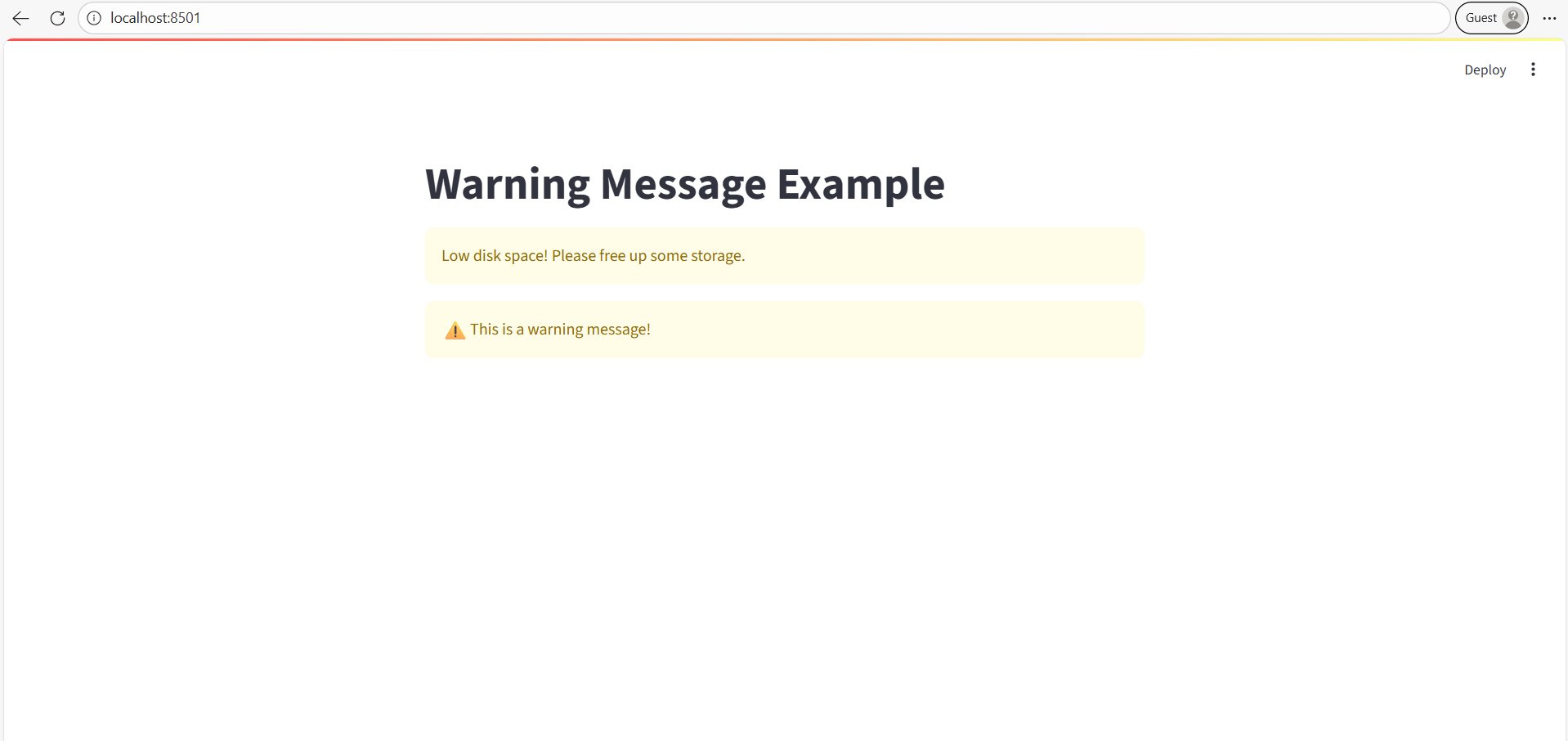
st.warning("Low disk space! Please free up some storage.")

# You can also add a custom icon to the warning message by using the icon parameter.
st.warning("This is a warning message!", icon="⚠️")
The output of the above code is shown below: